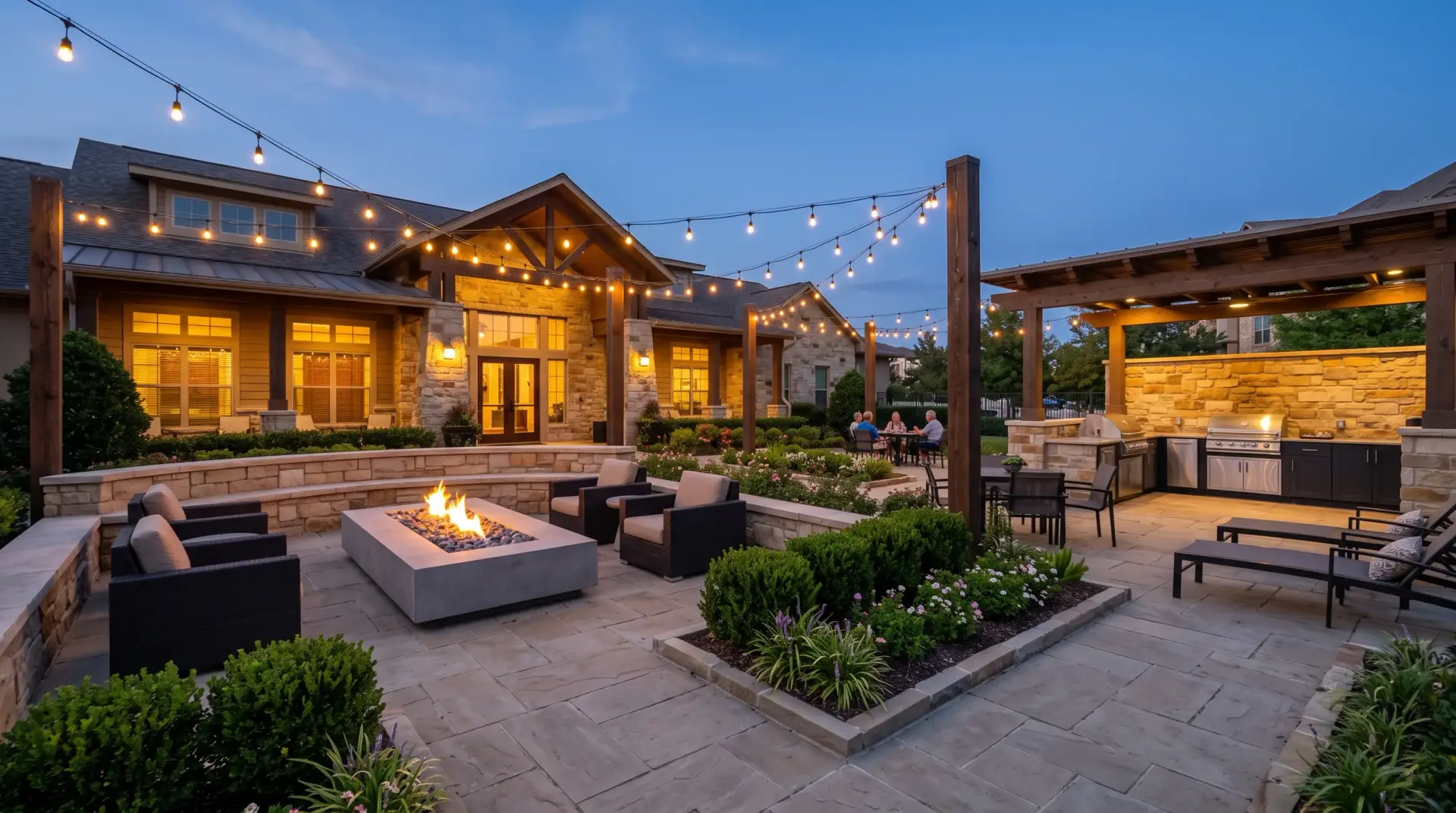
Effortlessly manage reservations for your residential amenities
Accept deposits and fees. Approve requests from one queue. Keep every clubhouse, court and pool on a calendar that can’t be double-booked. Amenity Reserve™ works with the management software your community already uses.
Everything amenity reservations need, in one place
Board members, managers and front desks run the whole process from one console. Residents apply from their phones.
Accept deposits and fees
Collect rental fees and security deposits when a booking is approved. Return a deposit or keep part of it with a reason the resident can see.
Amenity PlusApprove requests in one queue
Each request arrives with the date, the guest count and the household. Approve or decline it, or let a space confirm on its own.
Rules residents sign
Residents initial each house rule and sign before a booking is sent. The signed text stays with the booking.
Households, not spreadsheets
Import your resident list, approve new households and pause anyone your rules say to.
The right people told
Residents get confirmations with a calendar button. Whoever opens the room gets the details by email.
Connected to your management software
Keep households and charges in step with the system your community already runs on.
A calendar that can’t double-book
The database itself refuses overlapping bookings for the same space, cleaning time included, so two families never show up for the same clubhouse.
Set custom rules and policies for each of your amenities
Hours, guest limits, deposits, fees and who may book are set separately for every space you list.
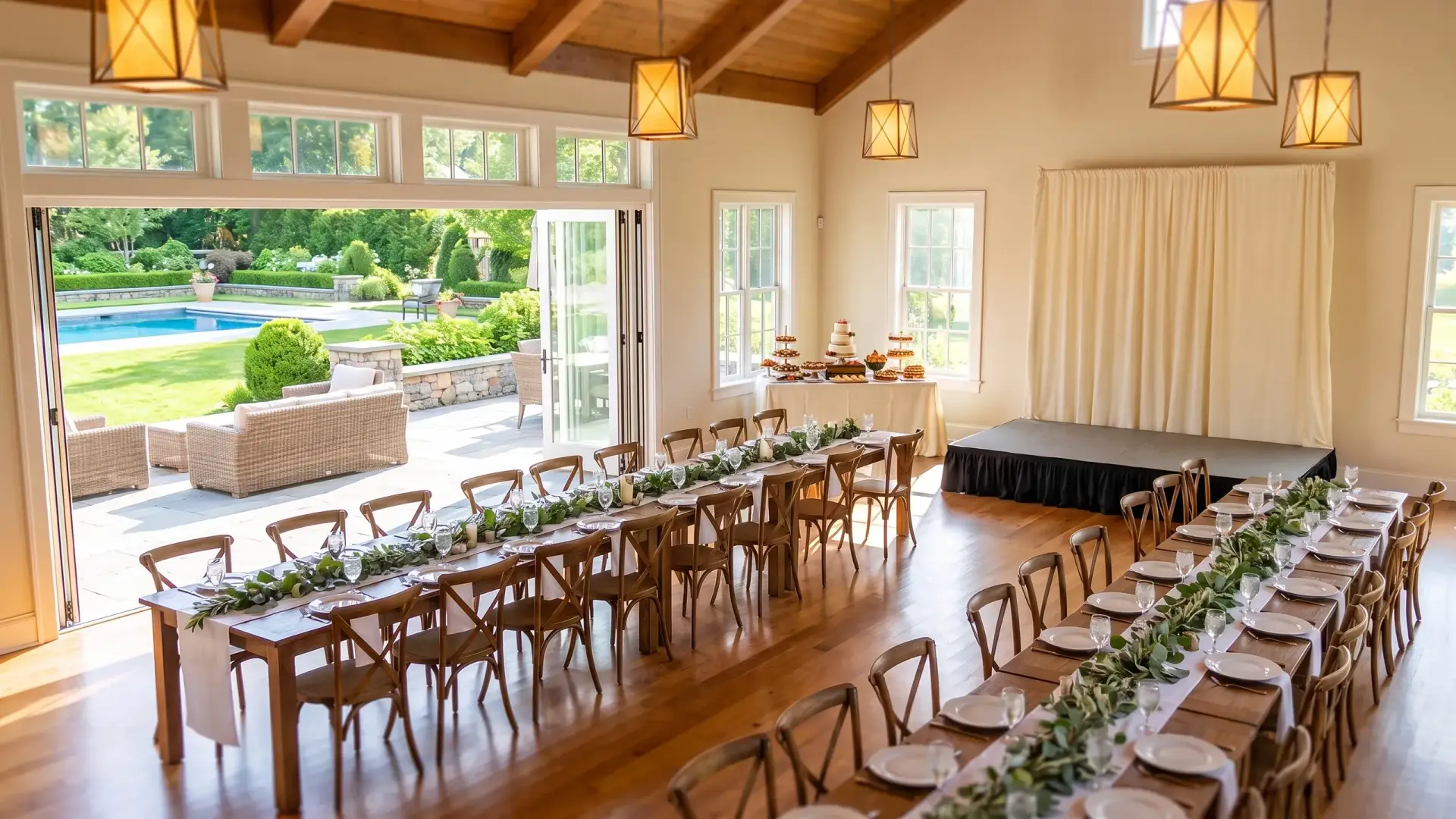

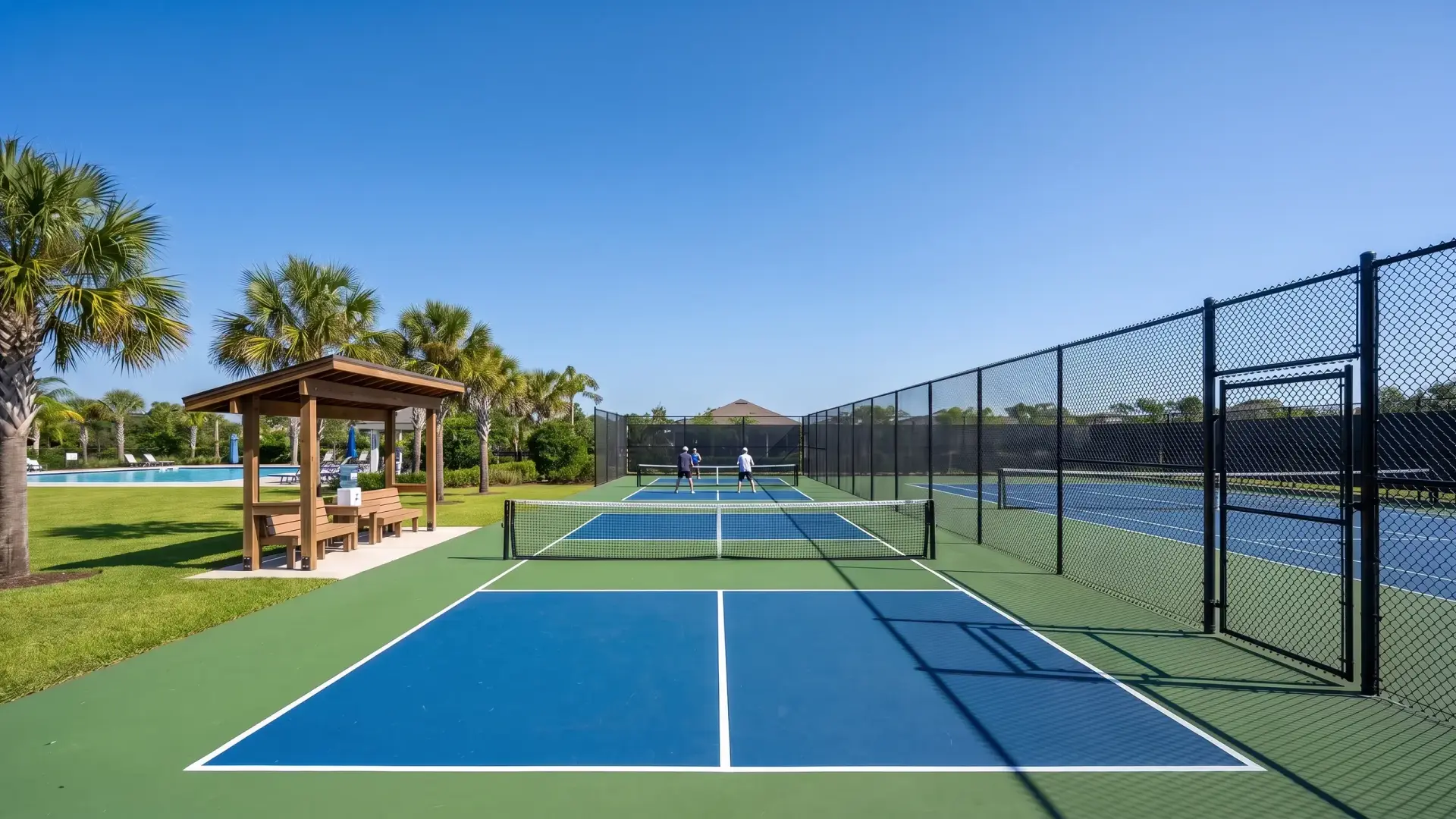
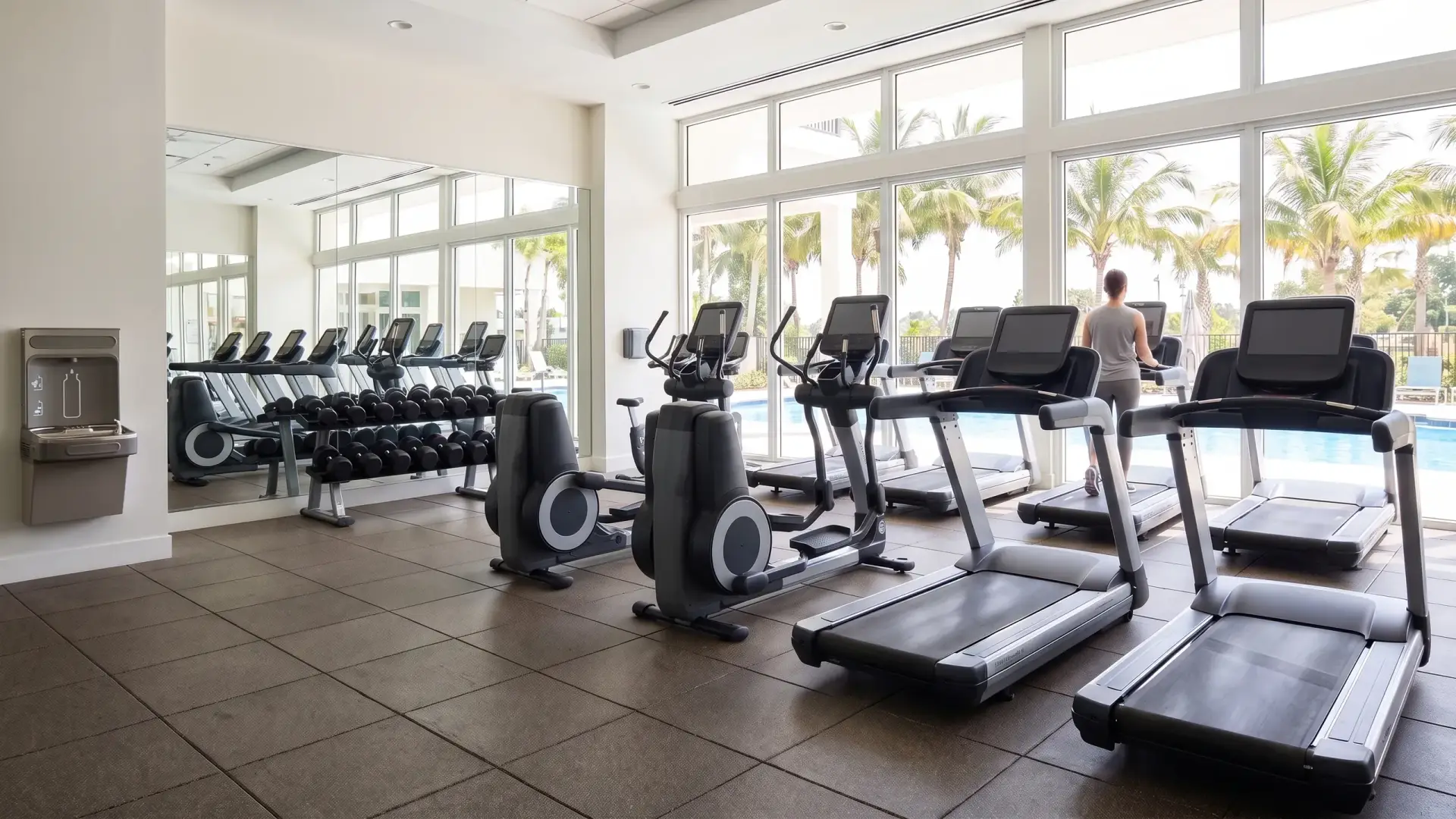
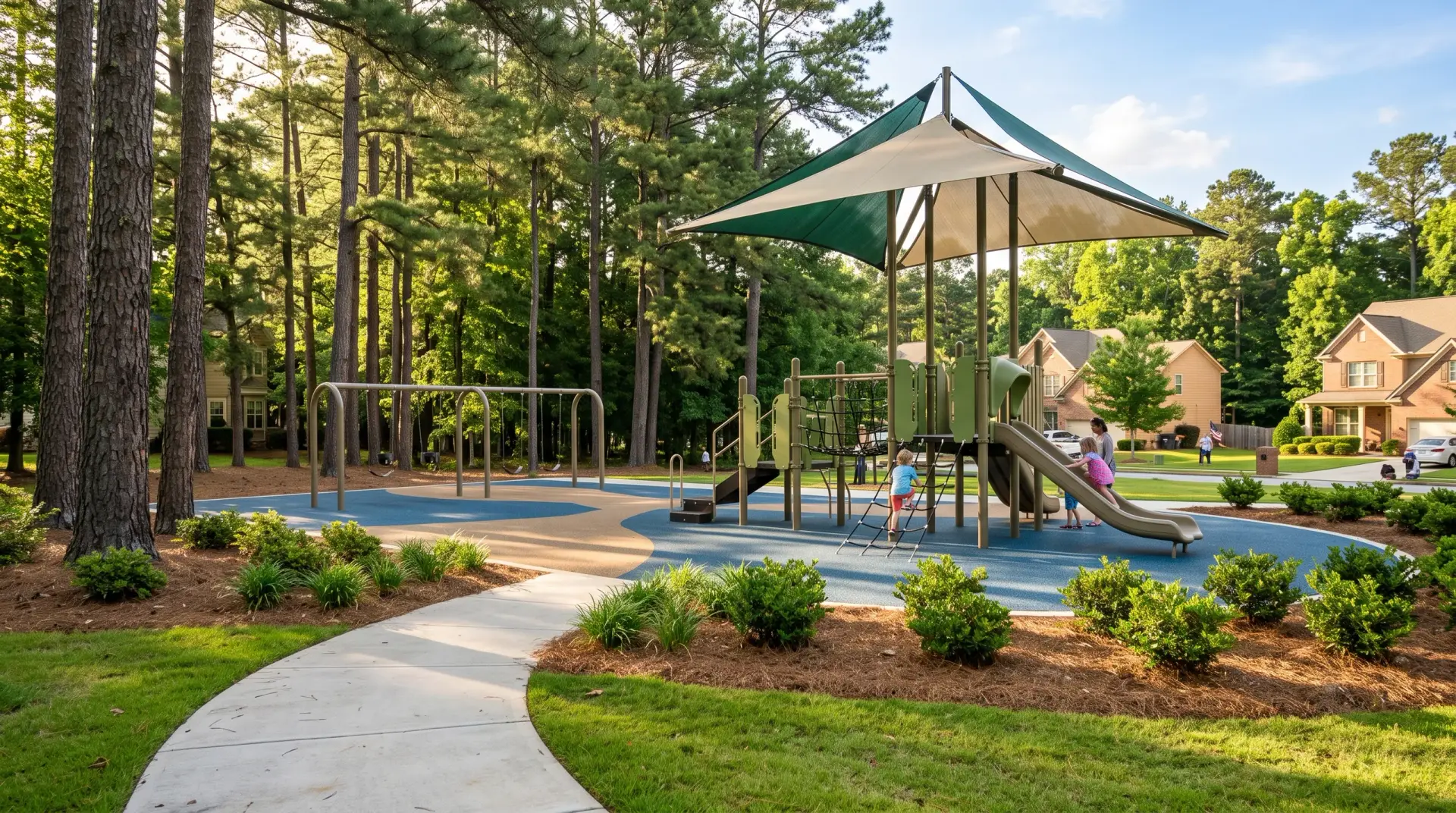
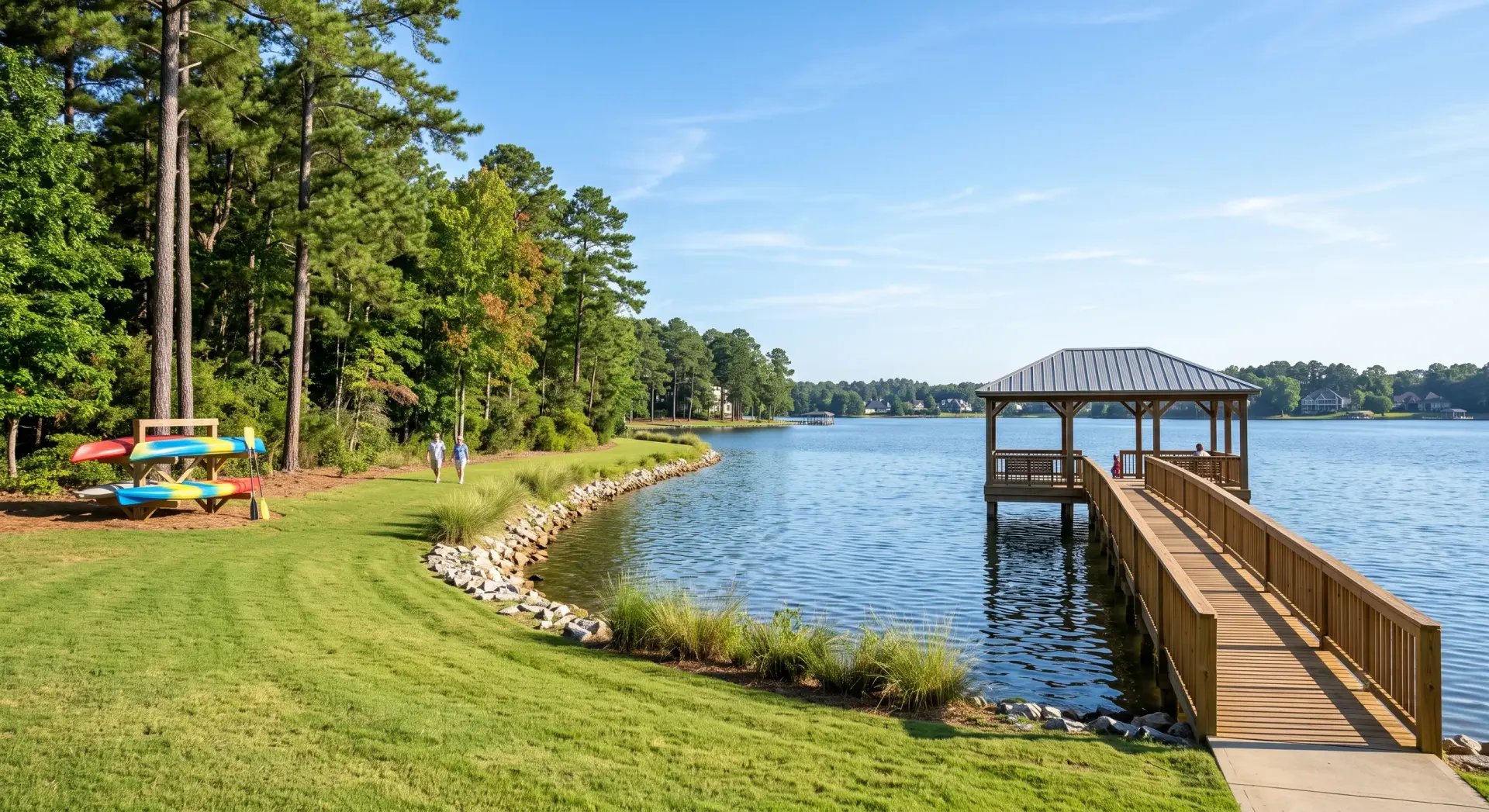
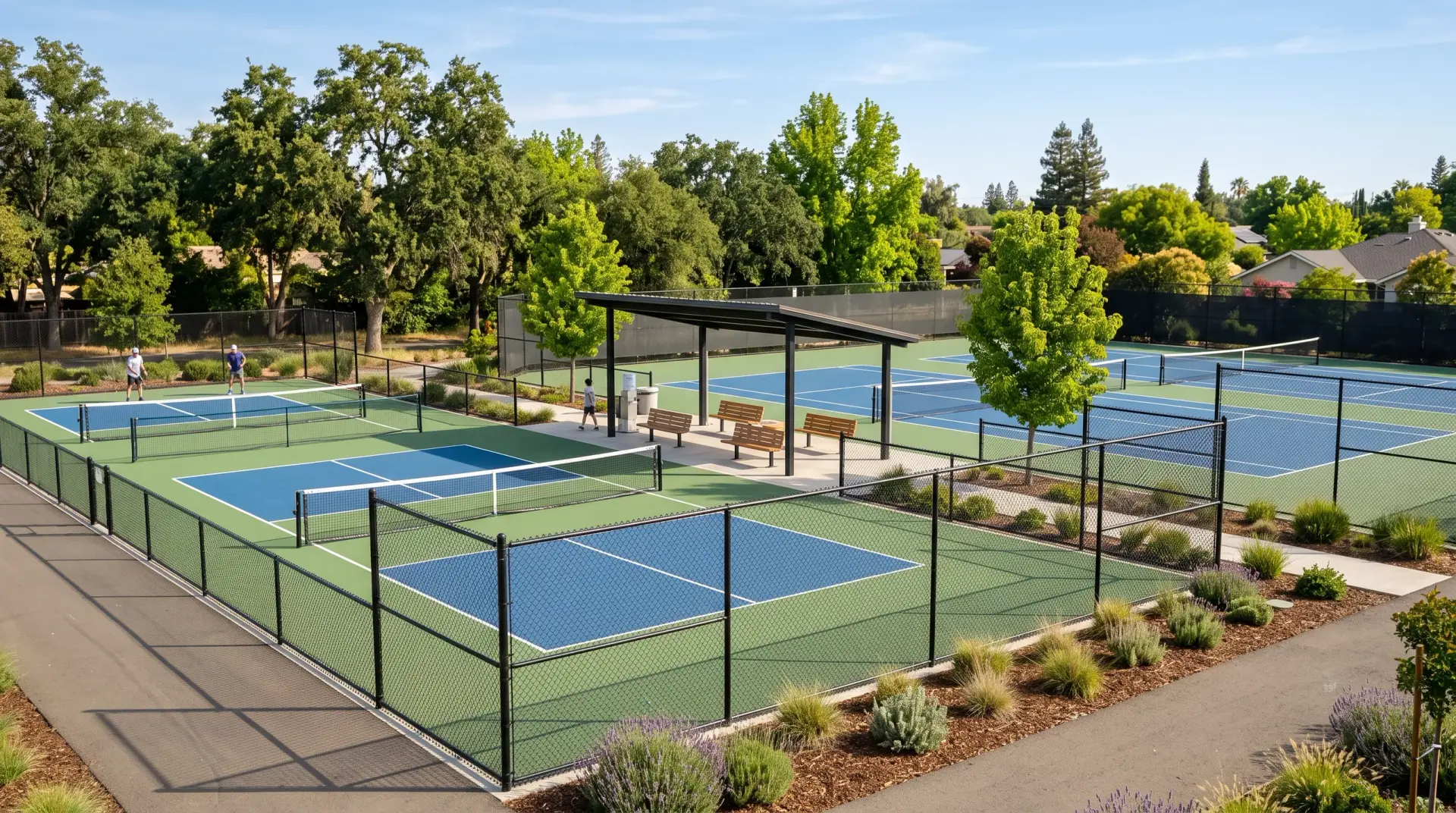
- Guest suites
- Golf simulators
- Dog parks
- Game rooms
- Rooftop decks
- Pool lanes
Runs on anything with a browser
Your board works from a laptop at home or a tablet at the pool. Residents apply from their phones. There is nothing to install.

How a reservation moves
A resident applies from their phone
They see only the times your rules allow, answer your questions and sign the house rules.
Your board approves it
The request lands in one queue. Spaces that don’t need a yes confirm on their own.
The deposit and the calendar follow
The deposit is collected, the booking is confirmed and it goes on the resident’s calendar.
See Amenity Reserve set up with your community’s amenities
Tell us what your community has and how it’s booked today. We’ll show you the console with your own spaces in it.